What a guest sees if you haven't published yet
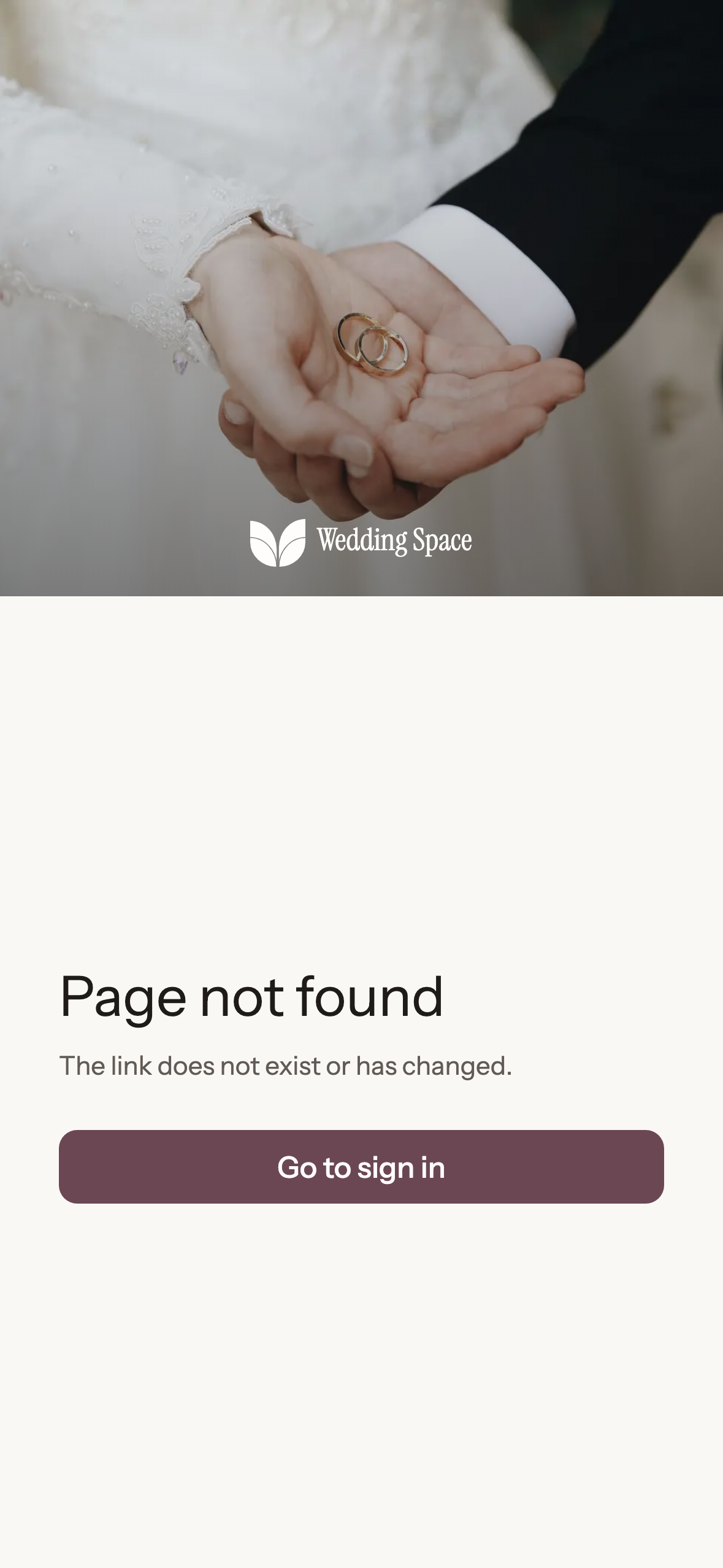
If someone opens the link too early, they see a friendly screen, not your page and not an error.
Updated on October 22, 2026
It's common to share the link before publishing, especially when you copy it to send to a photographer or to your family. Here is what happens.
What the guest sees
Anyone who opens the link of an unpublished page (or one with paused access) doesn't see your details or an error message: they see a calm screen telling them the page isn't available. There is nothing for them to do from there, and nothing about your plan or your payments is shown to them.
What they can't do
While the page isn't published, your guests can't confirm attendance, leave messages or upload photos either. The QR code in the kit for the day can only be downloaded once the page is published, because it points to it.
And you
You can always see your own page. From the home screen, View Wedding Space shows it to you as your guests will see it once it's published.
How to avoid the surprise
- Publish before you send the link. It's explained in "Publishing your page and sharing the link".
- Publishing requires the Wedding Space plan. While you design, you can show the page with a preview link (see "Shareable preview").
- If you've already sent the link and someone says "it doesn't open", check in *Share* that the label says Published and not Just the two of you.
Ready to start?
Create our website for free