Your wedding website, before, during and after.
One link. Your whole wedding.
Beforehand, you inform your guests and collect their RSVPs. On the wedding day, they share photos and messages with a QR code, with nothing to install. Afterwards, all your memories stay together in the same place.
Preparing it is free · Guests need no app · Publish from €0
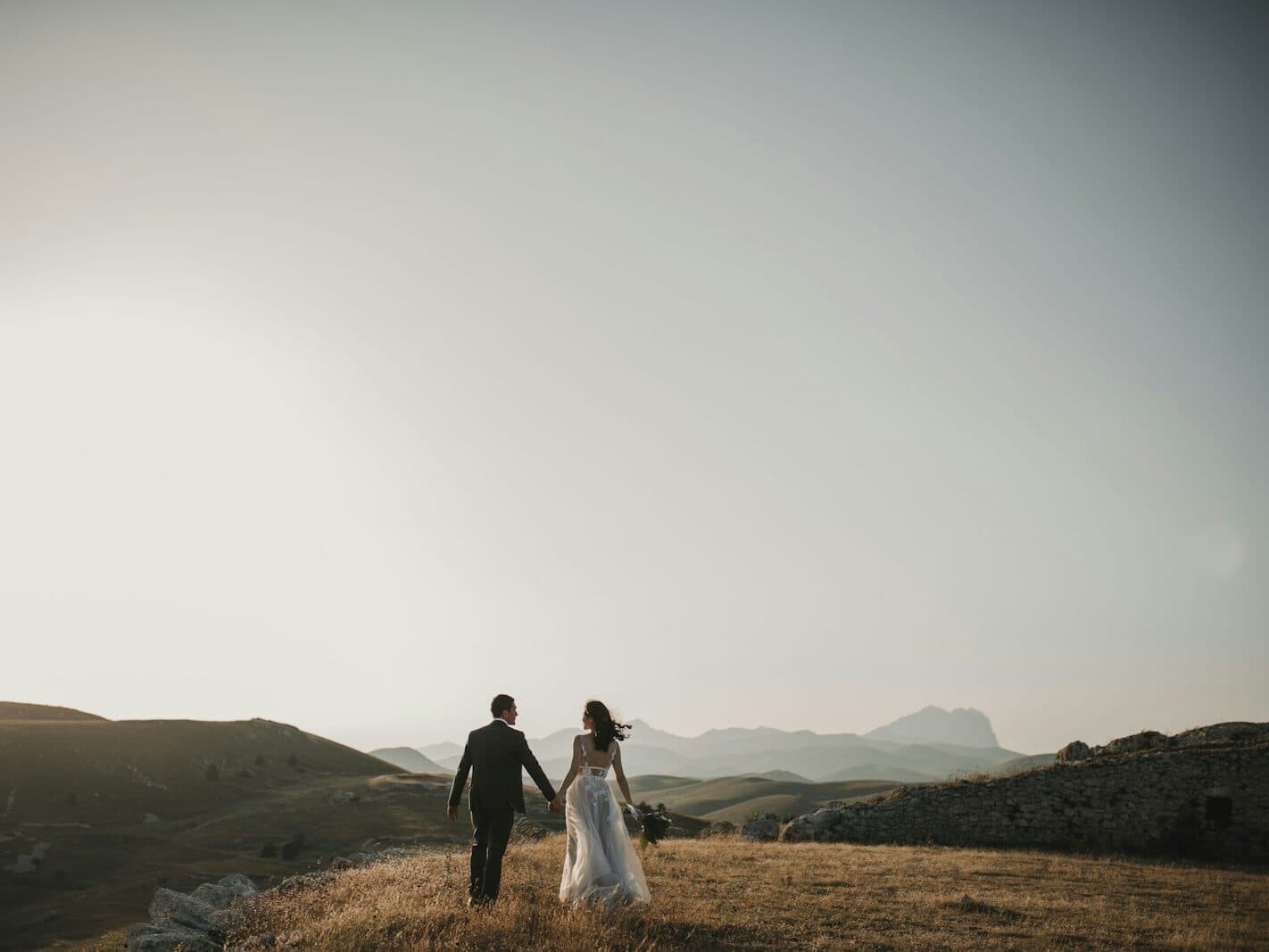
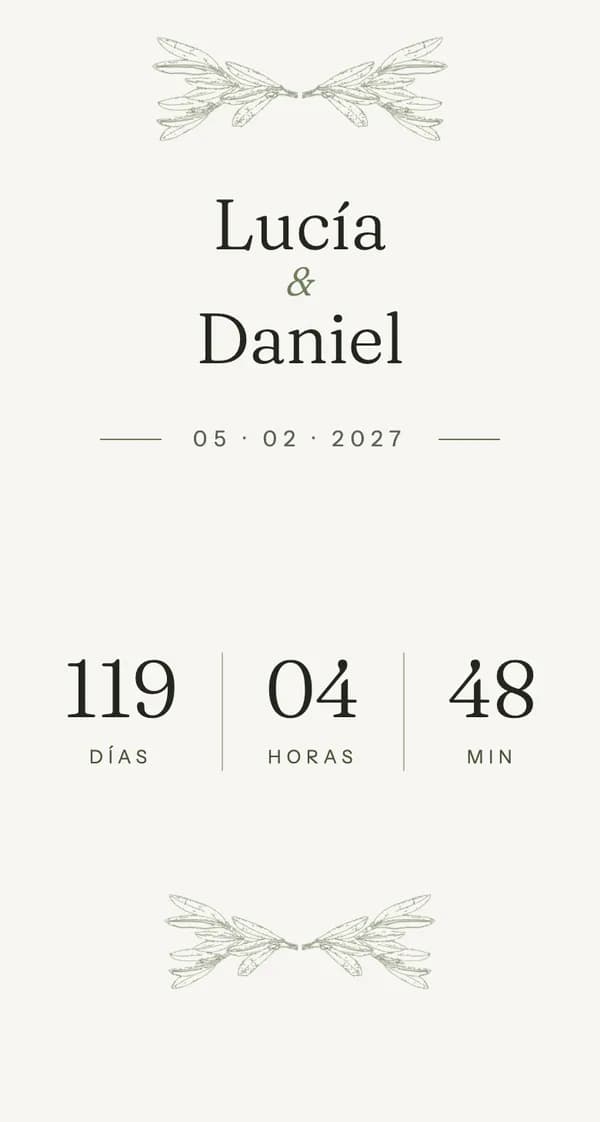
- One link and a QR code
- Guests with no account or app
- You control what is shown
- Getting started is free
A website for your wedding, before, during and after.
The wedding changes. The space stays.
One link to inform beforehand, share during and go back to your memories afterwards.
Before
During
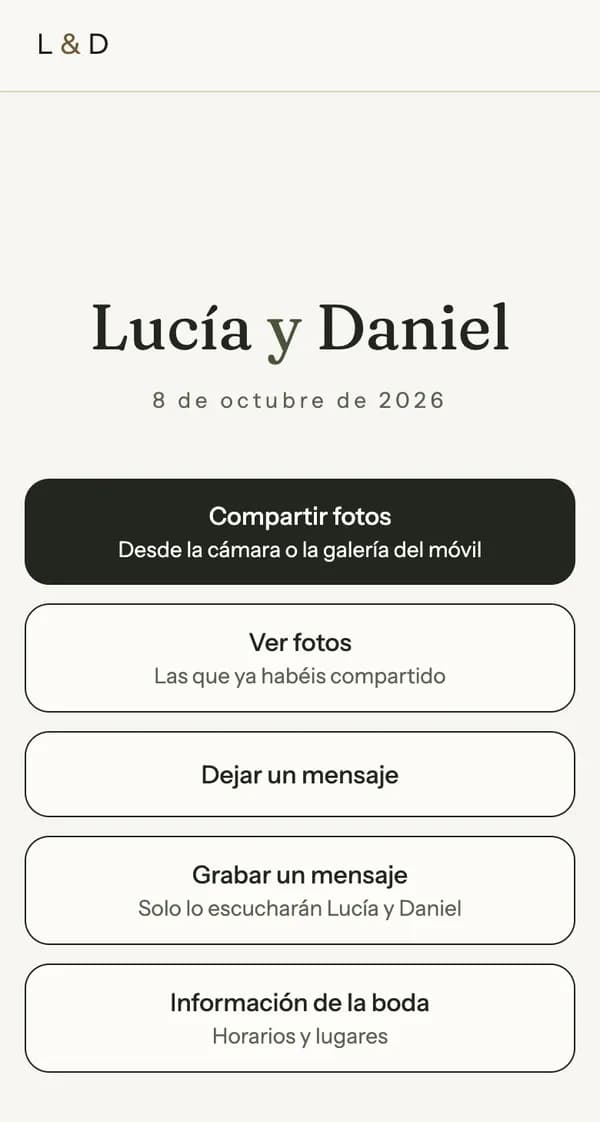
After
Before
- Times, places and how to get there
- RSVP
- Accommodation, transport, dress code and gifts
- Your story and frequently asked questions
During
- A QR code to come in from a phone
- Guests’ photos, live
- Written and voice messages
- Reactions and comments
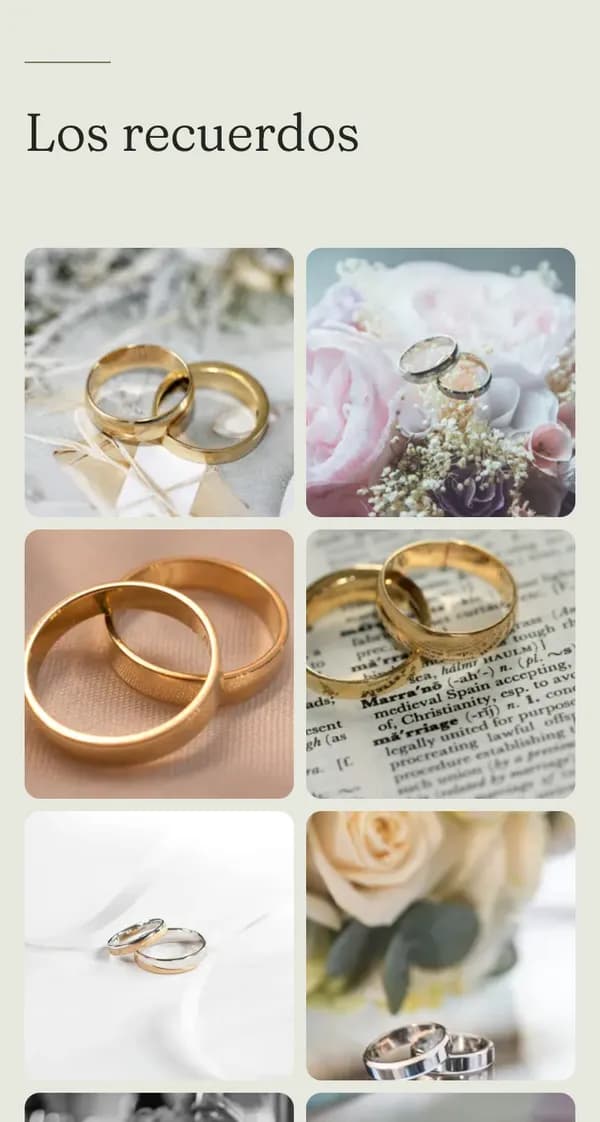
After
- A thank-you message
- Everyone’s photos, by moment
- Video
- All the originals in a ZIP
The same address, the same design, the same privacy.
Step into an example wedding.
See how Wedding Space changes before, during and after a wedding. It is a real demonstration of the product, with made-up data, so you can explore it the way your guests will.
- demo.weddingspace.app
Before the wedding
Times, how to get there, accommodation and the RSVP. Look up a group of guests to see how they reply.
See before the wedding - demo.weddingspace.app
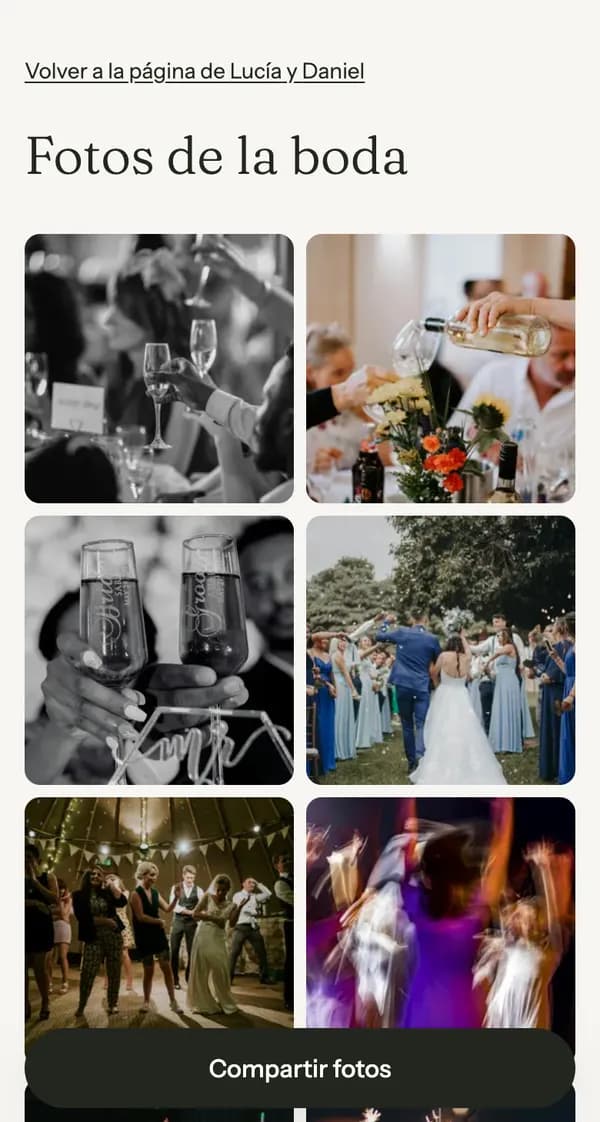
On the wedding day
The cover for the day, the QR code, the live gallery and the messages.
See the wedding day - demo.weddingspace.app
Afterwards
The gallery from guests and photographer, the moments, the guestbook with voice and the thank-you.
See the memories
It is a demonstration: you can look at everything, but not upload photos or leave messages.
Want to see what you will see too? The couple’s dashboard, with example data and nothing saved.
See what the dashboard looks likePhotos and messages from your wedding with a QR code. No app.
They scan the QR code and take part from their phone. No apps to download and no account to create.
- Photos from their phones
- They upload them in a moment and they appear in the gallery, or once you approve them if you prefer to review them first.
- Written and voice messages: With the Wedding Space plan (voice)
- A guestbook with their words and their voice too.
- Reactions and comments
- On every photo, no account needed. You can turn them off whenever you like.
- Live screen: With the Wedding Space plan
- Your guests’ photos, projected in the venue as they are uploaded.
- Cards and posters
- Your QR code, ready to print and place around the venue.
- You decide
- You review photos before they are seen, if you like, and hide or delete any you do not want to show.
Free does not publish: it is for creating, designing and showing the design. See the limits of each plan
Your guests’ photos and your photographer’s, together.
With the Wedding Space plan, your photographer can also upload their shoot. The photos end up together in one gallery, ordered by moment, without you having to chase links and folders.
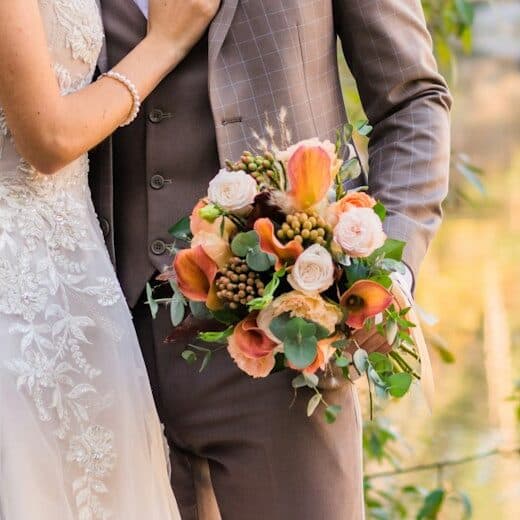

- The photographer uploads their photos with a free account and puts their own in order from their own panel.
- You decide what gets published.
- Download the originals and keep your memories according to your plan’s terms.
- Delete one photo, several or all of them in a couple of clicks.
- Mark moments from the gallery, with no lists of files.
- “Suggest moments” proposes the breaks from capture time, and you decide.
Your wedding website, ready without the fuss.
Create
Names, date, the essential information and one of the six templates. Preparing it is free, with no time limit.
Share
Publishing means buying the Wedding Space plan. Send the link or print the QR code.
Live it
On the wedding day, your guests upload photos and leave you messages from their phones.
Remember
Afterwards you come back to it: everyone’s photos, the video and the messages, to download whenever you like.
If you like, your photographer can upload the photos directly. You stay in control.
Six ways to make it yours.
Choose the direction that suits you best. We take care of the typography, the rhythm and every detail.
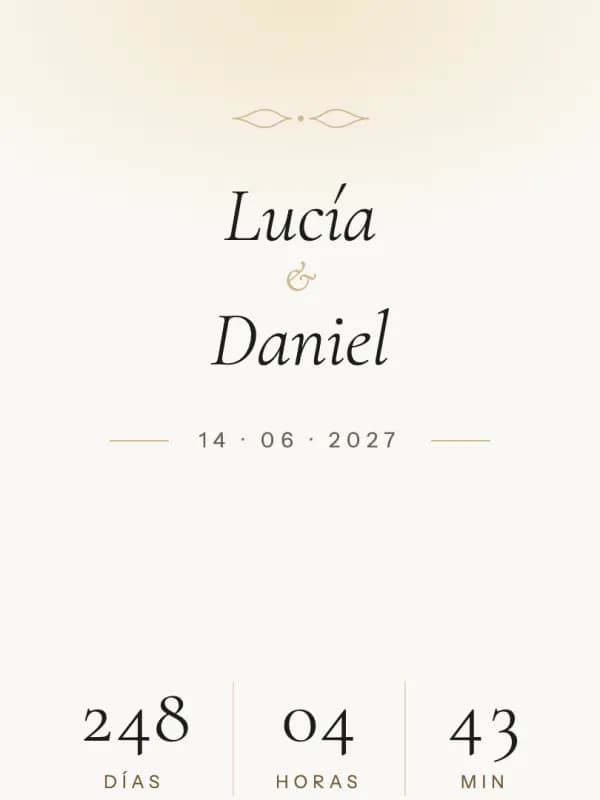
Romantic
Cormorant Garamond
Cormorant in italics, a centred layout, soft ornament and warm tones.
Available palettes:IvoryDusty roseMauve
Botanical
Fraunces
Photography first, an arched cover, left-aligned headings and fine branches.
Available palettes:OliveSageEucalyptus
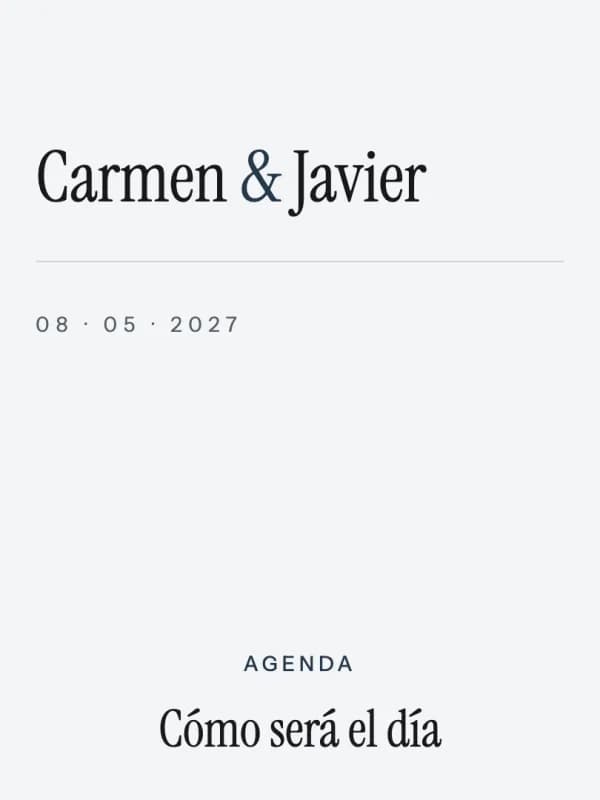
Minimal
Instrument Serif
Information first, plenty of space, straight lines and no ornament.
Available palettes:SlateOff-whiteStone
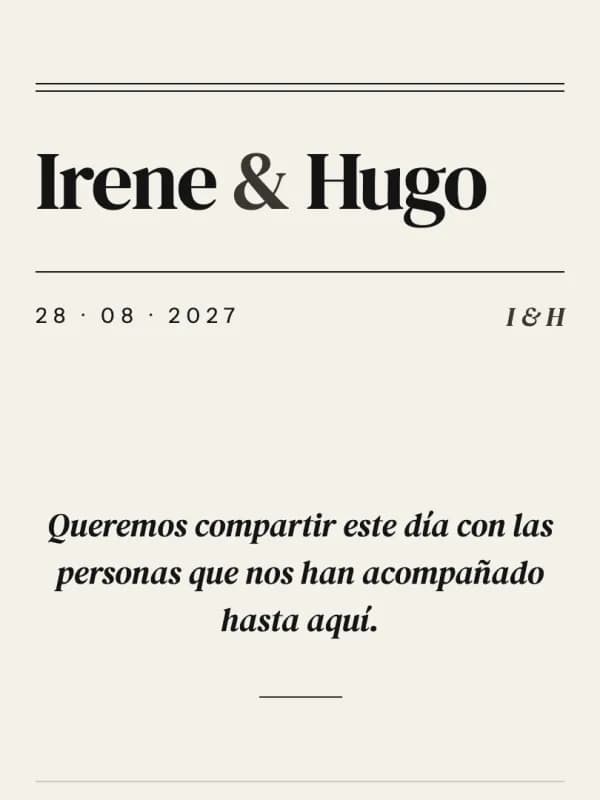
Editorial
DM Serif Display
A split magazine cover, numbered headings and a dense schedule.
Available palettes:NewsprintInk and redSlate
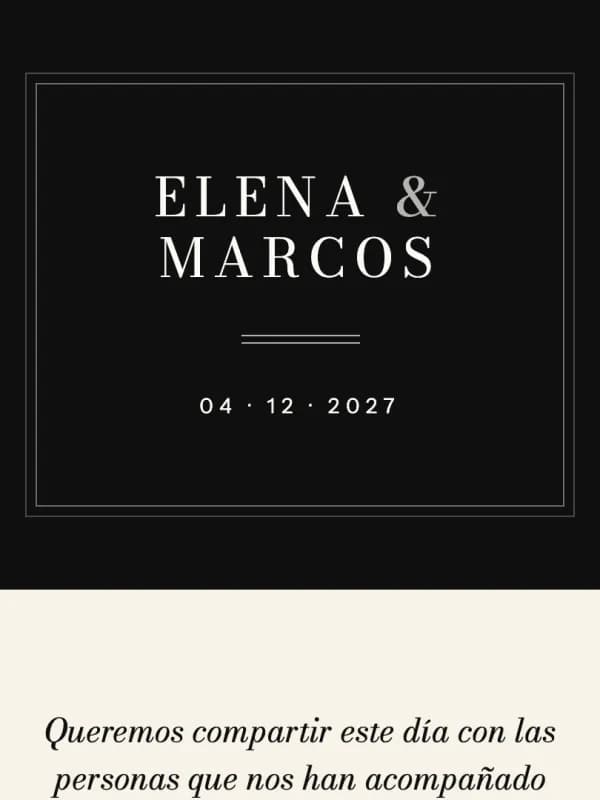
Black Tie
Bodoni Moda
An ink-coloured cover, spaced capitals, a double rule and a gala programme.
Available palettes:Cream and blackChampagneNight
Mediterranean
Marcellus
A colour block with a wave, inscription capitals and tinted cards.
Available palettes:SandWhitewash and blueSoft terracotta
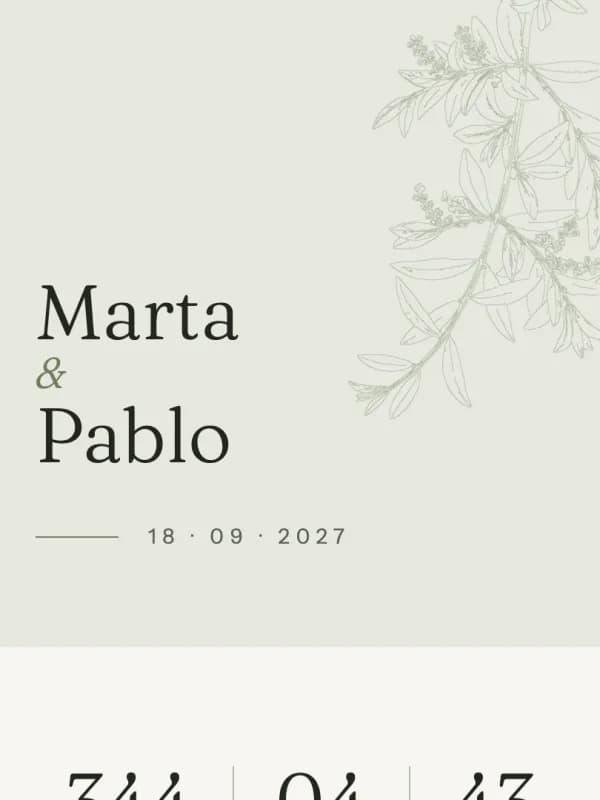

The example wedding uses the Botanical template. See it
From €0. One payment per wedding.
€59.99per wedding, with Wedding Space
Creating, designing and previewing is free. To publish, the Wedding Space plan: a one-off payment per wedding.
Create our website for freeFree€0
To create, design and show the design.
No cost or time limit · does not publish
Wedding Space: Recommended€59.99
To publish and gather everyone’s memories.
15 GB · 12 months after the wedding · photographer and live screen
When the included months end, optional renewal for 12 months at €19.99 on the paid plans. Prices include VAT.
The essentials of each plan.
| Free | Wedding SpaceRecommended plan | |
|---|---|---|
| One-off payment per wedding | €0 | €59.99 |
| Publish the page and receive photos, RSVPs, messages and QR code | Not included | Included |
| Total space, shared with guests and photographer | Not included | 15 GB |
| Your photographer uploads their shoot | Not included | Included |
| Live screen | Not included | Included |
| Months included after the wedding | Not included | 12 months |
Do you work in weddings?
Photographers, wedding planners, estates and venues: if you want to offer Wedding Space to your couples, let’s talk.
Frequently asked questions
Do we have to pay to start?
No. Creating your Wedding Space, designing it and viewing it in the preview is free, with no time limit. To publish it, the Wedding Space plan: a one-off payment per wedding.
Do guests have to download anything or create an account?
No. They come in with the link to your Wedding Space, with no sign-up and nothing to install, from a phone, tablet or computer.
Can guests upload photos?
Yes, if you turn it on: from the day before the wedding and for 30 days, from a phone and without an account. You can review them before they are seen and hide or delete any you like.
Can our photographer upload their shoot?
Yes, with the Wedding Space plan. They create a free account just to upload the photos: they do not manage the space or decide what gets published.
How much space do we get?
The Wedding Space plan includes 15 GB in total, shared between you, your guests and your photographer. How many photos fit depends on their size. Free does not publish.
How long is everything kept?
The 12 included months start after the wedding. On the paid plan, you can renew for 12 months at €19.99. We will let you know before it closes so you can decide whether to renew or download your memories.
Can we use it if we already have a wedding website?
Yes. You choose “memories only” mode: your public page links to your website and Wedding Space looks after the photos, the messages and the memory book. In that mode no RSVPs are requested.
Can both of us manage it?
Yes, with the Wedding Space plan: each of you has your own account and name. Only whoever created the space can invite or remove the other owner.
Who can see our wedding?
Anyone with the link. If you like, you protect it with a shared password. You decide which photos are seen, and only you can listen to the voice messages.
Can we download the photos?
Yes: each original one at a time, or everything together in a ZIP with the guestbook.
Your wedding deserves a place to come back to.
Before, to have everything clear. On the day, to share it. Afterwards, to keep what matters.
Preparing it is free · Publishing is the Wedding Space plan, one payment per wedding.